

How to Fix Weak or No Coffee Flow in Coffee Machines?
There are few things more unmentionably frustrating than hitting “brew” and then watching, weak or no coffee flow in coffee machine. In the UAE, this is a common occurrence for a few contributing reasons: hard/desalinated water, high humidity, and oil-rich Arabica beans are the most notable. The best news? Almost all scenarios can be remedied with the right instructions— and in this guide, I will walk you through it step-by-step.
Common Symptoms:
Slow brewing or drips instead of a steady stream
Weak coffee despite using the right amount of grounds
Pump noise but no liquid output
Error codes on digital machines (e.g., “low pressure” alerts)
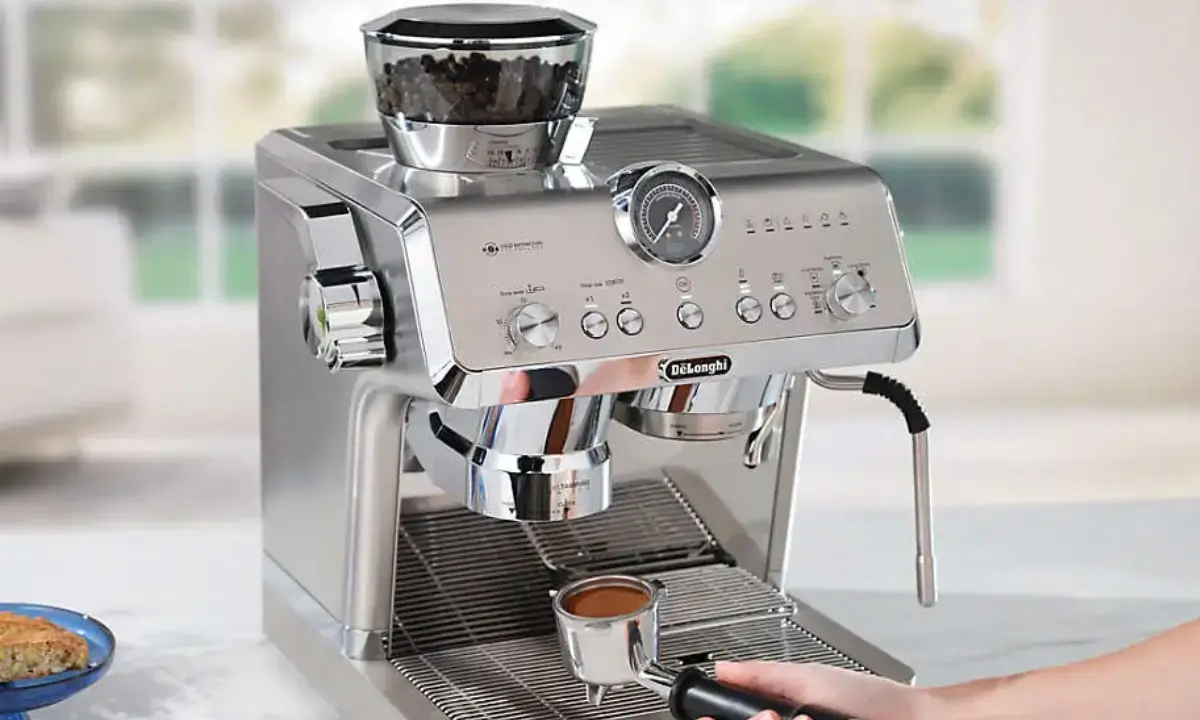
Main Causes of weak or no coffee flow:
Limescale buildup from mineral‑rich desalinated water — a major culprit in Dubai & Abu Dhabi
Clogged grinder or brew head from oily beans
Blocked water lines or filters due to dust/humidity
Pump failure or electrical faults after summer power surges
DIY Fixes You Can Try:
A. Descale the Machine
Use a commercial descaling solution or a citric acid mix (follow your brand’s manual).
Run the descaling cycle twice if you haven’t done it in over 3 months.
B. Clean the Brew Head & Filter
Remove and rinse the portafilter or brew basket.
Use a soft brush to clear coffee residue from the group head.
C. Check the Water Tank & Lines
Empty and rinse the tank daily.
Inspect hoses for kinks or blockages.
4. When to Call a technician
If you notice:
No improvement after descaling and cleaning
Persistent leaks or electrical issues
Error codes that keep returning
A certified UAE technician can perform deep descaling, pump calibration, and part replacement — often restoring full flow in under 2 hours.
5. Pro Tips for UAE Coffee Lovers
Filter your water — even a basic carbon filter can reduce limescale.
Descale every 4–6 weeks in coastal cities.
Store beans in airtight containers to reduce oil buildup in grinders.
